Secure Login
Protect your Famalth ONE App with an additional layer of security using Secure Login. Setting up a custom PIN or enabling biometric fingerprint authentication ensures that only you can access your emergency settings, sensitive data, and app features.
Overview
Secure Login enables the Famalth ONE App to:
- Prevent unauthorized access to your emergency contacts, health information, and settings.
- Ensure private access to secret emergency recordings.
- Add an extra level of safety for families, caregivers, and solo travelers.
- Enhance overall device security without relying solely on phone-level locking.
It’s strongly recommended to enable Secure Login immediately after installation to protect your sensitive emergency configurations.
Why Secure Login is Important
| Benefit | How It Helps |
|---|---|
| Safeguards Emergency Data | Prevents unauthorized changes to contacts, alerts, or settings. |
| Protects Health Information | Keeps sensitive medical data safe. |
| Secures Emergency Recordings | Ensures secret audio and video files are accessible only to you. |
| Adds Redundancy | Offers additional protection even if device lockscreen is bypassed. |
Login Options Available
The Famalth ONE App offers flexible Secure Login methods:
-
Custom PIN Code
- Set up a personal 4-digit code to unlock the Famalth ONE App.
- Easy to remember but difficult for others to guess.
-
Fingerprint Authentication
- Use your biometric fingerprint (if your device supports it).
- Provides fast, seamless, and highly secure access.
You can choose either method individually or combine both for higher convenience and security.
How to Enable Secure Login
You can set up Secure Login anytime via the Famalth ONE App:
- Open the Famalth ONE App.
- Navigate to Dashboard → Lock.
- Select your preferred authentication method:
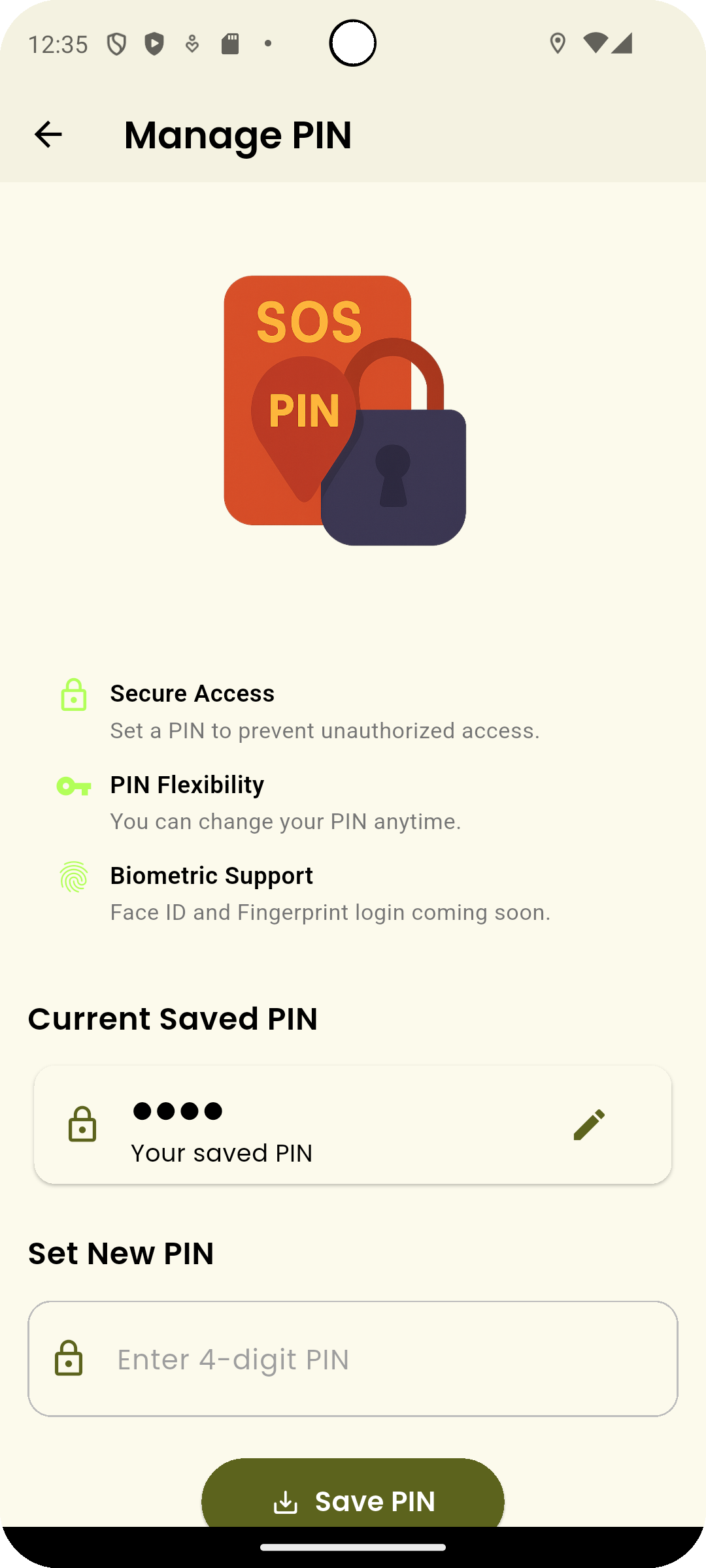
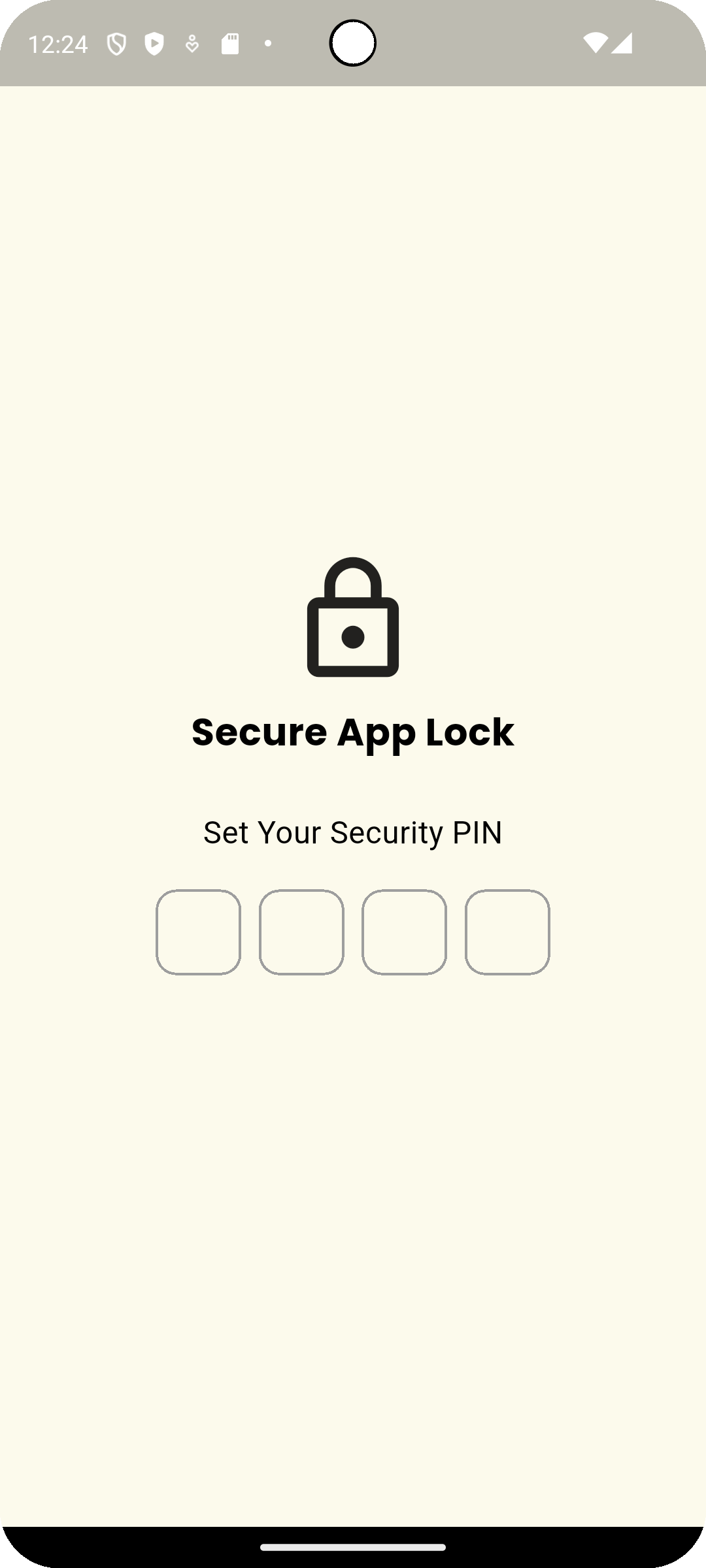
- Set New PIN: Create and confirm a secure 4-digit PIN.
- Enable Fingerprint: Grant fingerprint access through system settings if supported.
- Save your settings.
- Test login to ensure everything is working properly.
View Screenshot
1. Secure Login by PIN:
2. Set up your PIN:
3. Required PIN and Biomatric:
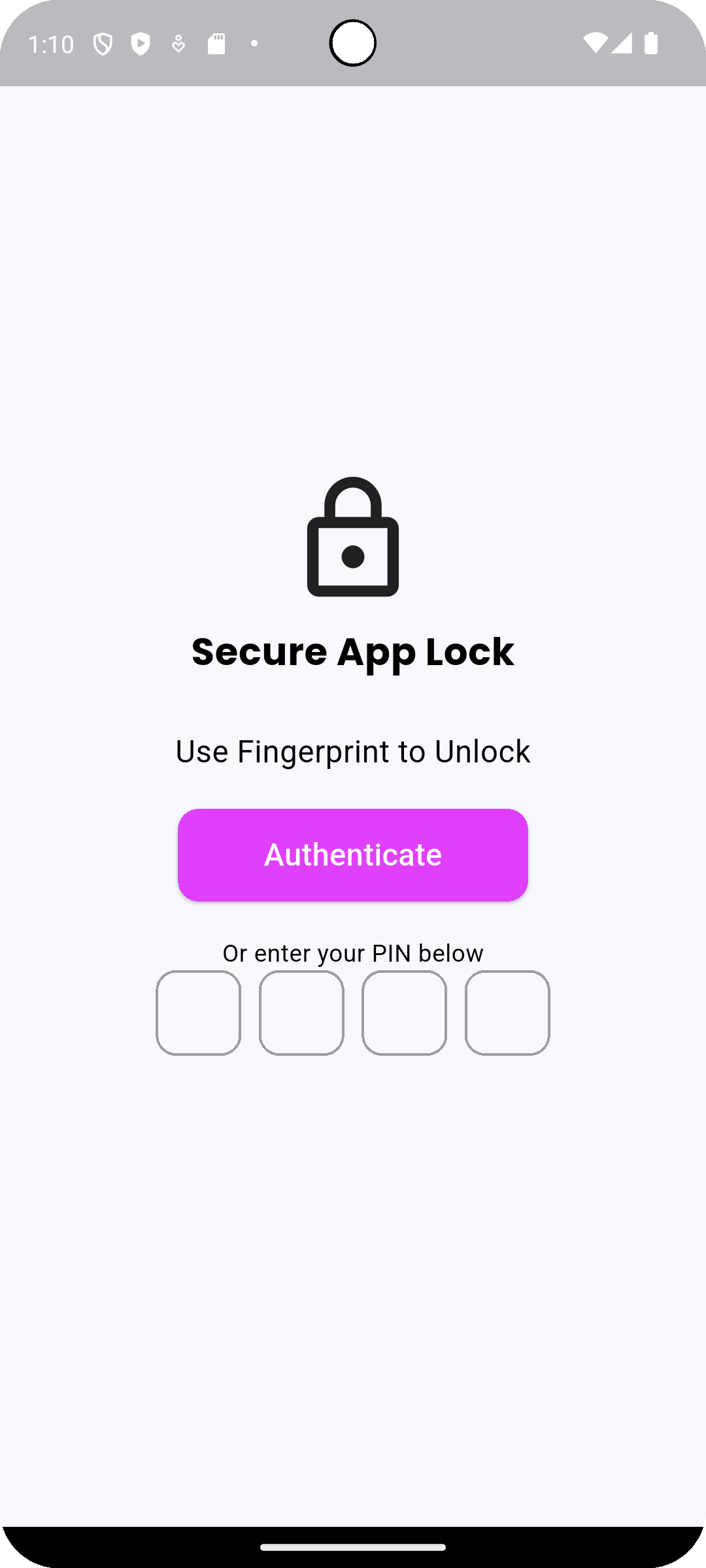
If you ever forget your PIN, you can recover access by authenticating via fingerprint (if enabled) or reinstalling the app (data backup recommended).
Best Practices for Secure Login
| Recommendation | Why It Helps |
|---|---|
| Set a PIN immediately after app installation | Protects sensitive setup from day one. |
| Use Fingerprint Authentication for faster access | Combines strong security with convenience. |
| Keep your PIN confidential | Avoid sharing your PIN even with trusted people. |
| Periodically update your PIN | Change your PIN if you suspect it has been compromised. |
Common Questions
Can I use only a PIN without fingerprint?
Yes.
You can set up only a PIN without enabling fingerprint authentication if you prefer.
What happens if I forget my PIN?
If fingerprint authentication is enabled, you can still log in using your fingerprint.
If not, you may need to reinstall the Famalth ONE App and restore data from backup.
Is Secure Login mandatory to use the One App?
No.
Secure Login is optional but highly recommended to protect your emergency data.
Does enabling Secure Login affect emergency functions?
No.
SOS Alerts, Fall Detection, and background monitoring continue working regardless of login settings.
Secure Login only protects app access, not core background safety services.
Troubleshooting
| Issue | Solution |
|---|---|
| Unable to set PIN | Restart the app and try again; ensure app permissions are active. |
| Fingerprint not recognized | Update your device's registered fingerprints and retry. |
| PIN prompt not appearing | Verify that Secure Login is enabled in One App settings. |
| Forgot both PIN and fingerprint | Reinstall the app and restore from cloud backup if needed. |
Secure Login ensures that your most sensitive safety settings and personal data remain protected against unauthorized access.
By setting up a PIN and optionally enabling fingerprint authentication, you create a safe environment where your emergency protections cannot be tampered with — keeping you and your loved ones secure.
Lock smart. Stay safe. Enable Secure Login.
What's Next
Learn about how the Famalth ONE App handles your sensitive data securely without storing personal information on external servers.